Users can update their account details, except for the role assigned to them. Only the role can be updated by an authorized user.
To update the role of a user, follow these steps:
- Log in to CoSec App by visiting Login | CoSec App - Company Secretarial Services.
- Click on the Settings icon located in the top navigation panel near your user profile.
- Navigate to the Users Tab.
- Go to the Users list.
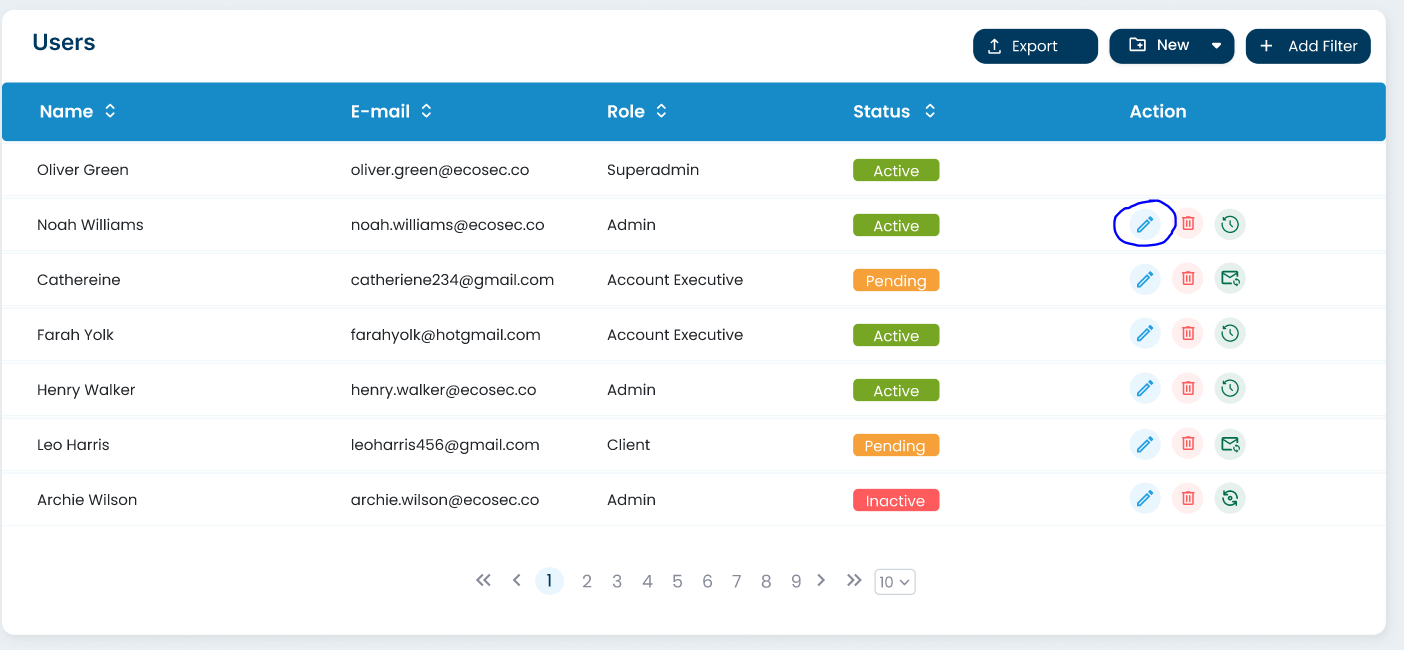
- Click on the Update icon next to the user's name. This icon will only be visible if the logged-in user has the permission to update the user.
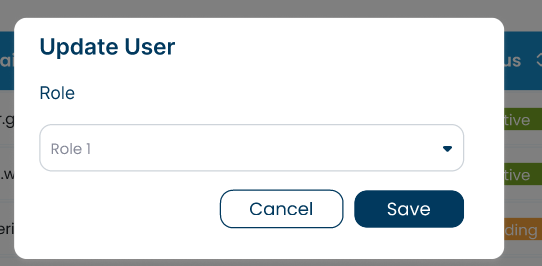
- Update the role as necessary. The user's visible actions and permissions are determined by the assigned role.
- Click on the "Save" button to save the updated details.
